An AI interview assistant that's actually invisible
extraMind is a private, real-time AI assistant built to help during a live interview — answering from your resume, solving coding questions with worked solutions, and staying hidden from whatever you're screen sharing.
How extraMind helps during a real interview
It runs quietly in the background for the whole session. Capture what's on your screen, or let it listen for a question, and it answers in a private panel only you can see — a spoken-style explanation, a worked example, or a complete solution.
Built from your resume
Upload your resume once, in Settings. When you're asked to introduce yourself, extraMind writes a natural, first-person answer built from your actual background — not a generic template — so it sounds like you.
- A real, spoken-style "tell me about yourself" pitch
- Add sample Q&A or a job description as a second reference
- A matched question gets your prepared answer, in full
Live coding interviews
For a coding question, extraMind never jumps straight to code. It explains the approach first — in plain, spoken language, the way you'd actually talk through it out loud — then gives a complete, clearly commented solution structured into readable functions.
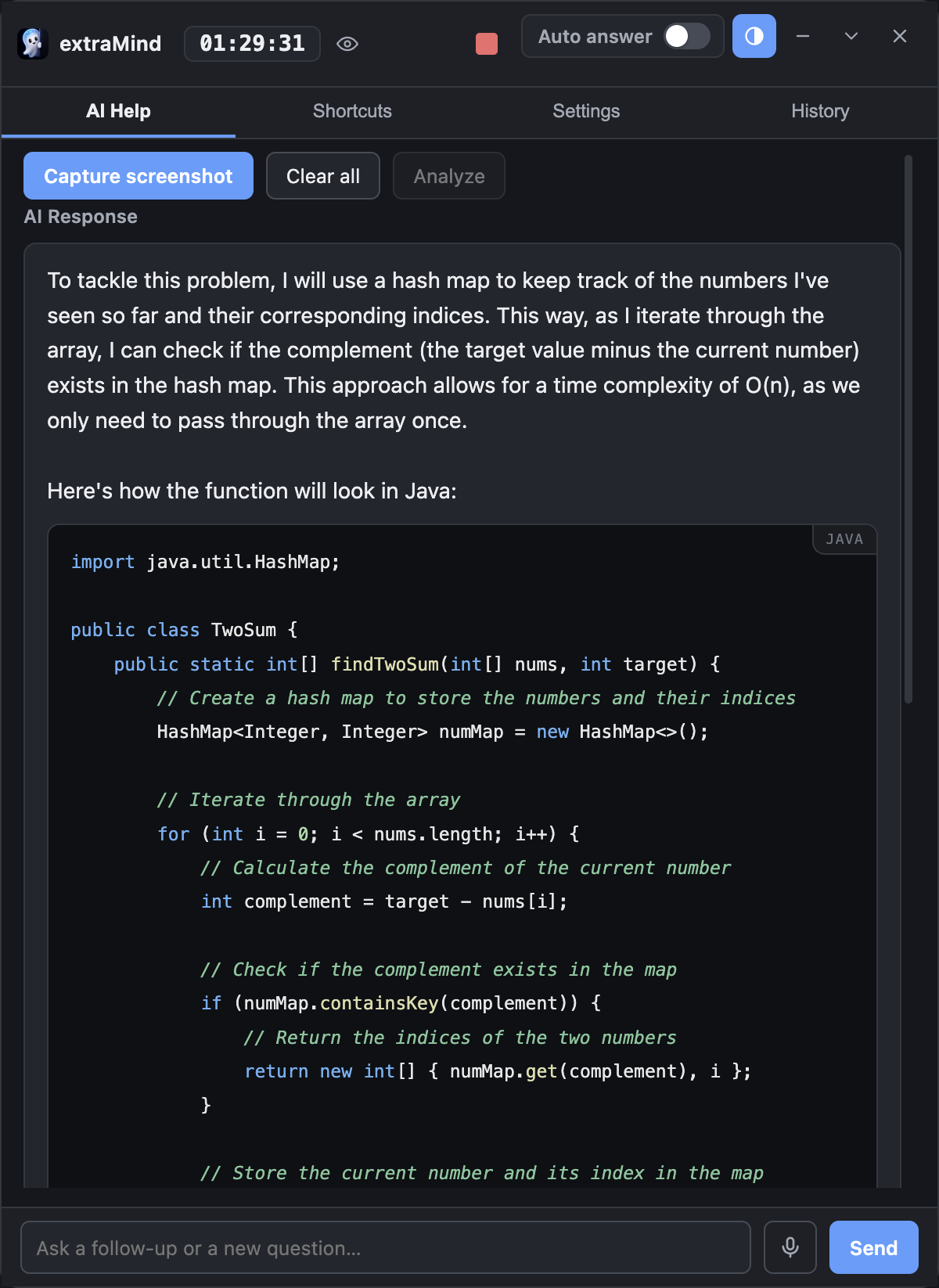
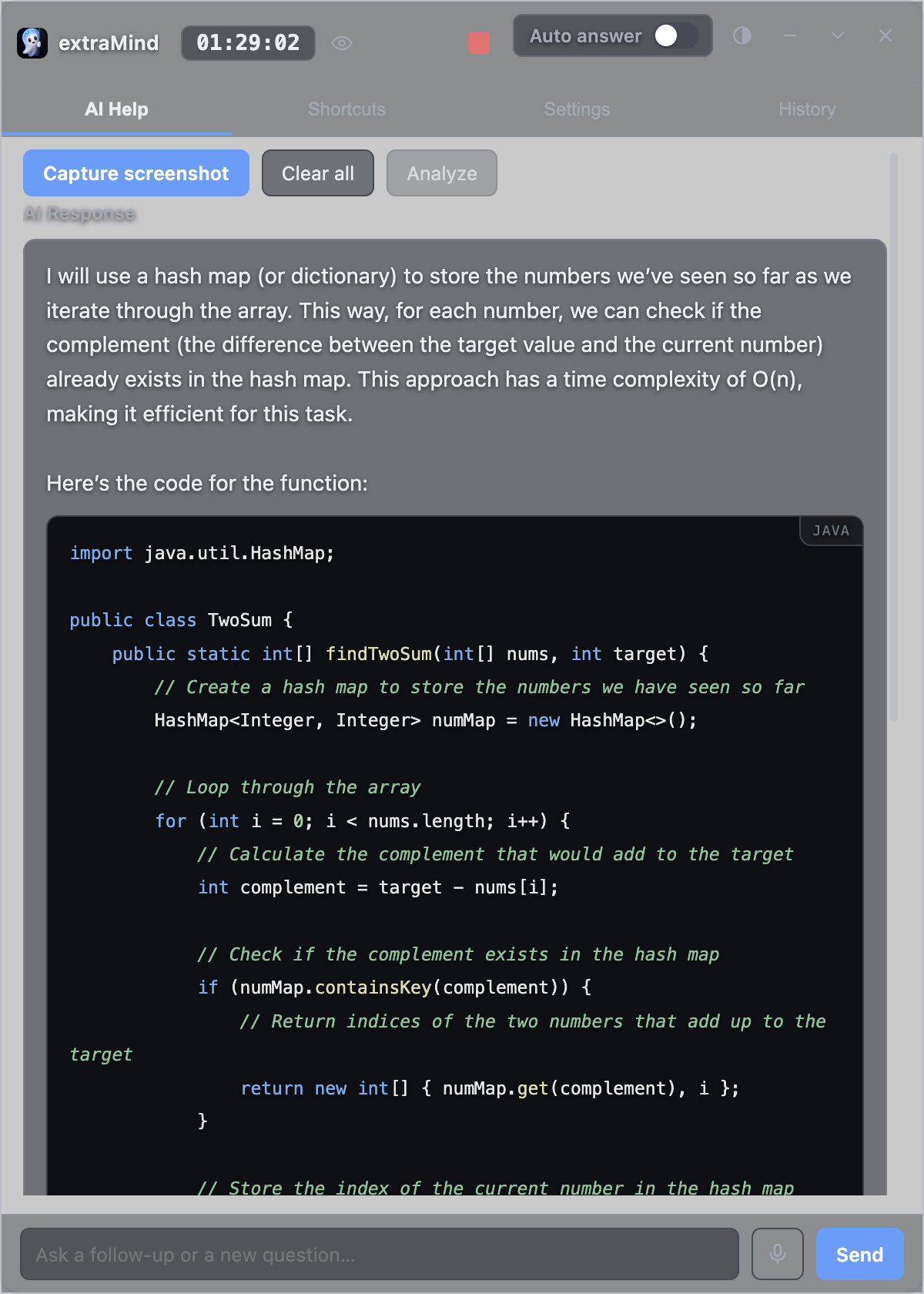
Completely hidden from screen shares
extraMind marks its window as excluded from screen capture where the OS supports it (macOS, and Windows 10 version 2004 or newer) — whoever you're sharing your screen with only ever sees what you intend to share. extraMind is excluded from your shared-screen output, so you control what you share.
Works on Mac and Windows
extraMind installs as a native desktop app — signed and notarized on macOS, a standard installer on Windows — so it runs the same way across Zoom, Google Meet, Microsoft Teams, or a coding platform like CoderPad or HackerRank. See download options →
Pricing
Same full app on every plan, AI usage included — no separate API key or per-token bill to manage. From $9.99/week, $19.99/month, or $149.99/year. See full pricing →
Questions
Does it work for behavioral and coding interviews?
Yes, both, in the same session — a resume-based answer for "tell me about yourself" style questions, and an approach-then-code answer for technical ones.
Can it use my resume to answer "tell me about yourself"?
Yes. Upload it once in Settings and extraMind writes a natural, first-person pitch from your actual background instead of a generic template.
Will the interviewer be able to tell I'm using it?
extraMind marks its window as excluded from screen capture where the OS supports it (macOS, and Windows 10 version 2004 or newer), so it stays private from your shared-screen output.
Does it work on Zoom, Google Meet, and Microsoft Teams?
Yes — the exclusion happens at the OS level, not per video-call app, so it works the same way across any of them.
Do I need my own AI key?
No — AI usage is included with your subscription. No API keys, no per-token bills.
How extraMind compares
Evaluating a similar tool? Here's how extraMind compares on price and features:
Ready for your next interview?
Private, always on top, and invisible to everyone else on the call.
Try for free